AdUnit Name: [AboveMainContent]
Enabled: [Yes],
Viewed On: [Desktop],
Dimensions: [[728,90],[970,250],[300,250]]
CampaignId: [/22646143967/candadavisa/ForumHeaderGeneric],
forumSection: Immigration to Canada, subForumSection: Family Class Sponsorship
I had this question too ! I used digital signature by typing my name but some one said their application was returned so got worried
your explanation is very neat thanks ! I am relieved now
So what worked for us was we edited the forms in our browser itself, instead of downloading them. After entering all the information and signing, we THEN saved the files on our desktop. We rechecked that everything was fine by opening the file again on acrobat reader and THEN uploaded the forms.
‘IF we just saved them on our desktop and edited them on reader the signatures couldn’t be added. I hope this method works for you.
what browser do you use?
Hello everyone, I need to confirm if Adobe's digital signature is also acceptable compared to entering a name on it. I sent my spouse's visa application by digitally signing
the forms IMM5532 and IMM5476 by digitally I mean
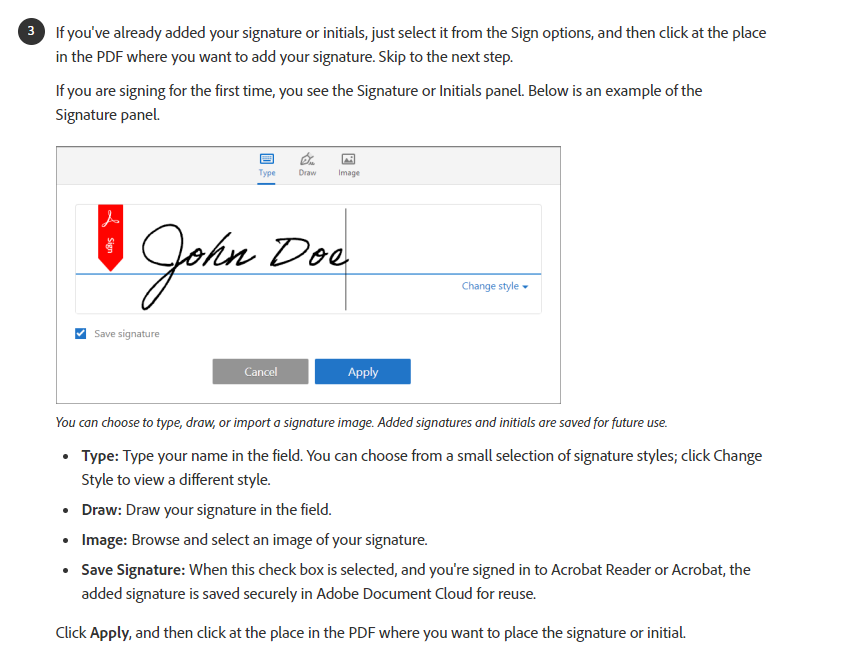
drawing the signature in the file rather than typing it. Is it acceptable? because this is also digitally signed as per instruction.
Steps I did
- Important: To digitally sign the form, you must first complete the form and then select “print to PDF”. This will create a new version of the form that can be digitally signed.
then digitally sign by using Adobe:
https://helpx.adobe.com/ca/acrobat/using/fill-and-sign.html
I did both for IMM5532 and IMM5476
Greetings,
I am applying for Spouse Open Work permit of an international student, a filled all the forms, I want to ask about the signatures on IMM 5707e and 5713E forms. can i digitally sign using Adobe digital signature or i have to print and sign the paper.
Hello everyone, I need to confirm if Adobe's digital signature is also acceptable compared to entering a name on it. I sent my spouse's visa application by digitally signing
the forms IMM5532 and IMM5476 by digitally I mean
drawing the signature in the file rather than typing it. Is it acceptable? because this is also digitally signed as per instruction.
Steps I did
- Important: To digitally sign the form, you must first complete the form and then select “print to PDF”. This will create a new version of the form that can be digitally signed.
then digitally sign by using Adobe:
https://helpx.adobe.com/ca/acrobat/using/fill-and-sign.html
I did both for IMM5532 and IMM5476
Hi Piyush -- I just did the same thing. Did your spouse's application get returned because of it?
Thanks!
AdUnit Name: [BelowMainContent]
Enabled: [No],
Viewed On: [Desktop],
Dimensions: [[728,90],[300,250]]
CampaignId: [/22646143967/candadavisa/ForumHeaderGeneric],
forumSection: Immigration to Canada, subForumSection: Family Class Sponsorship